
A new channel for customers
Tap into the millions of potential customers searching for businesses or services you offer through Google Search & Maps by giving them a way to book with you directly.
Reserve with Google integration
SureCritic integrates with Reserve with Google so that millions of Google users can better discover your business on Google Search and Maps, and then easily be redirected to your SureCritic scheduling site to make an appointment with you.
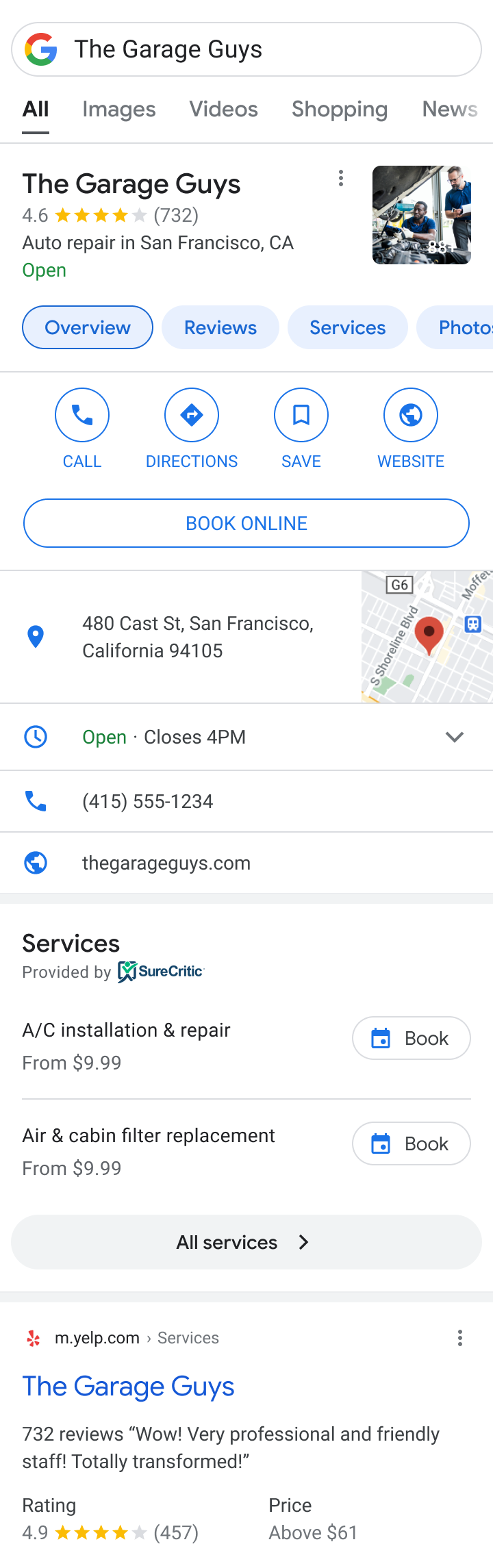
These mocks do not capture the full range of how a business and its booking entrypoint may appear across all Google Search and Maps presentations.

Tap into the millions of potential customers searching for businesses or services you offer through Google Search & Maps by giving them a way to book with you directly.
Google redirects users to your SureCritic scheduling site, which means you can continue to take advantage of the features you love from us, your shop's branding and colors, your service catalog, service-specific intake questions, real-time availability, and SMS reminders.
Encourage potential customers to choose your business by highlighting helpful information upfront, such as services you offer and associated pricing.
Setup is easy and done through SureCritic.
We match your SureCritic account to your Google Business Profile.
A "Book" button is added to your Business Profile, in addition to other places where your business may appear on Google Search & Maps.
Customers are redirected to SureCritic Online Scheduling, and the appointment lands in your management system.
A Google Business Profile with a name and address that match your SureCritic account. Don't have one? You can set one up at no cost.
Your business may show up for relevant searches for services you offer, for example when a customer searches for "brake repair" or "oil change" in your area.
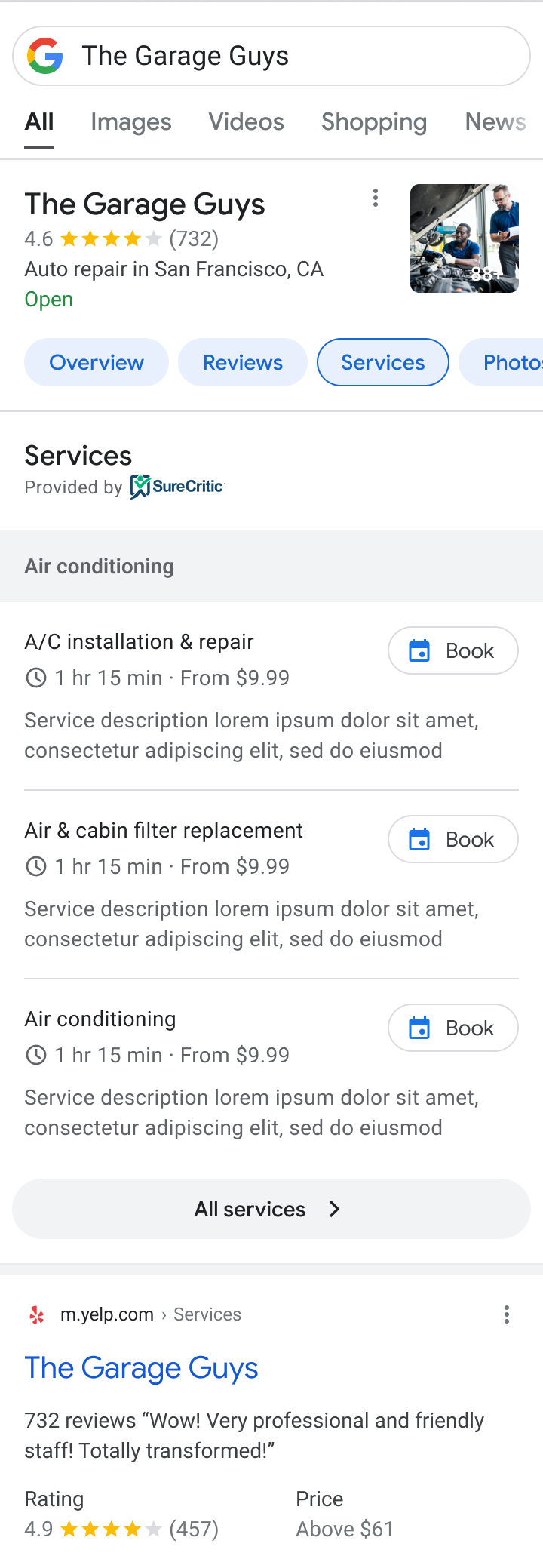
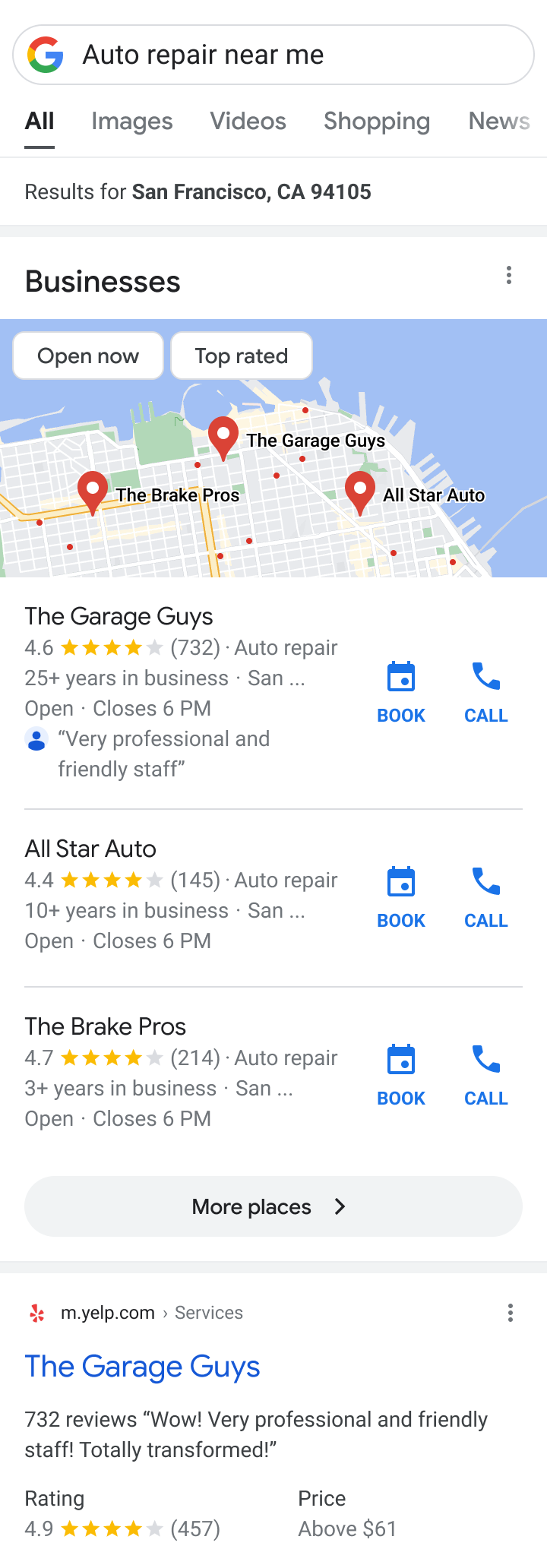
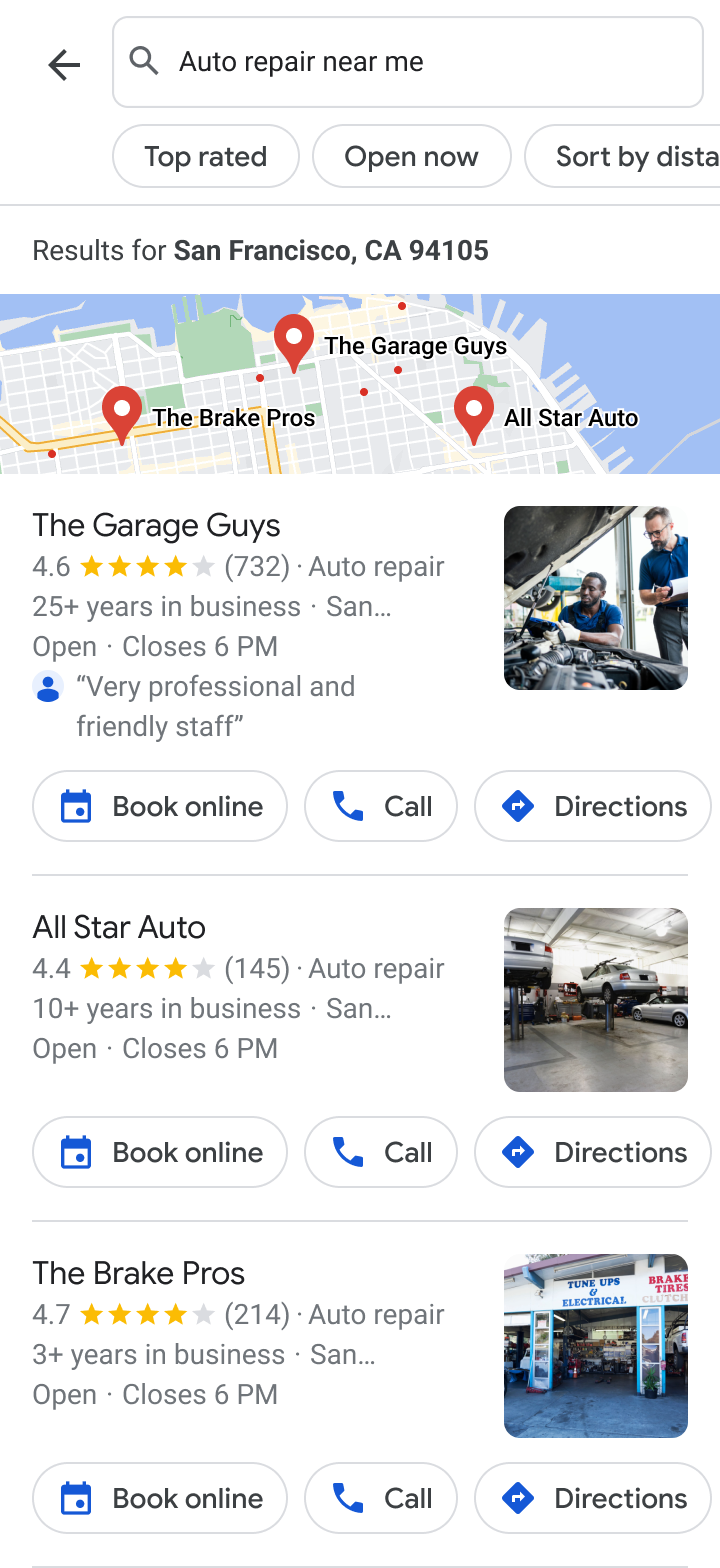
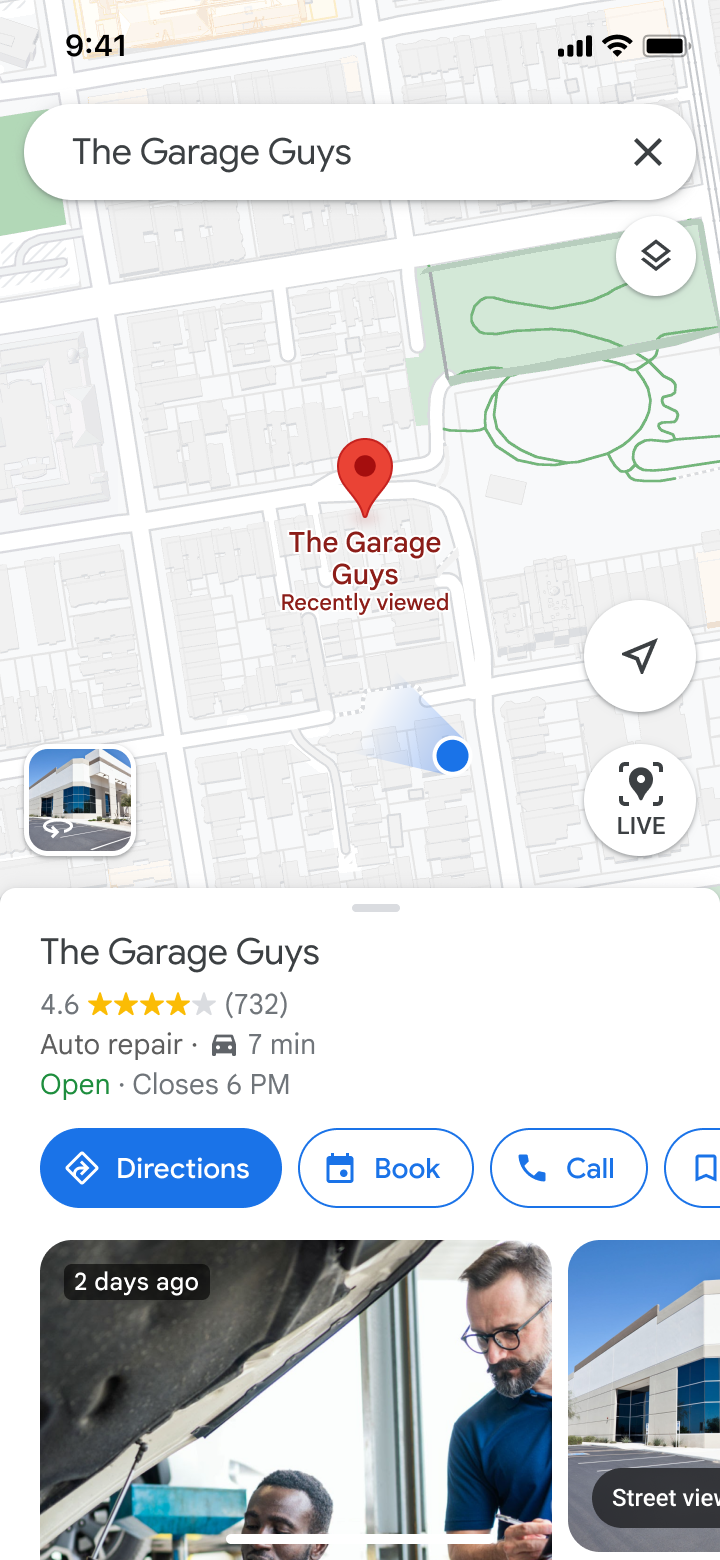
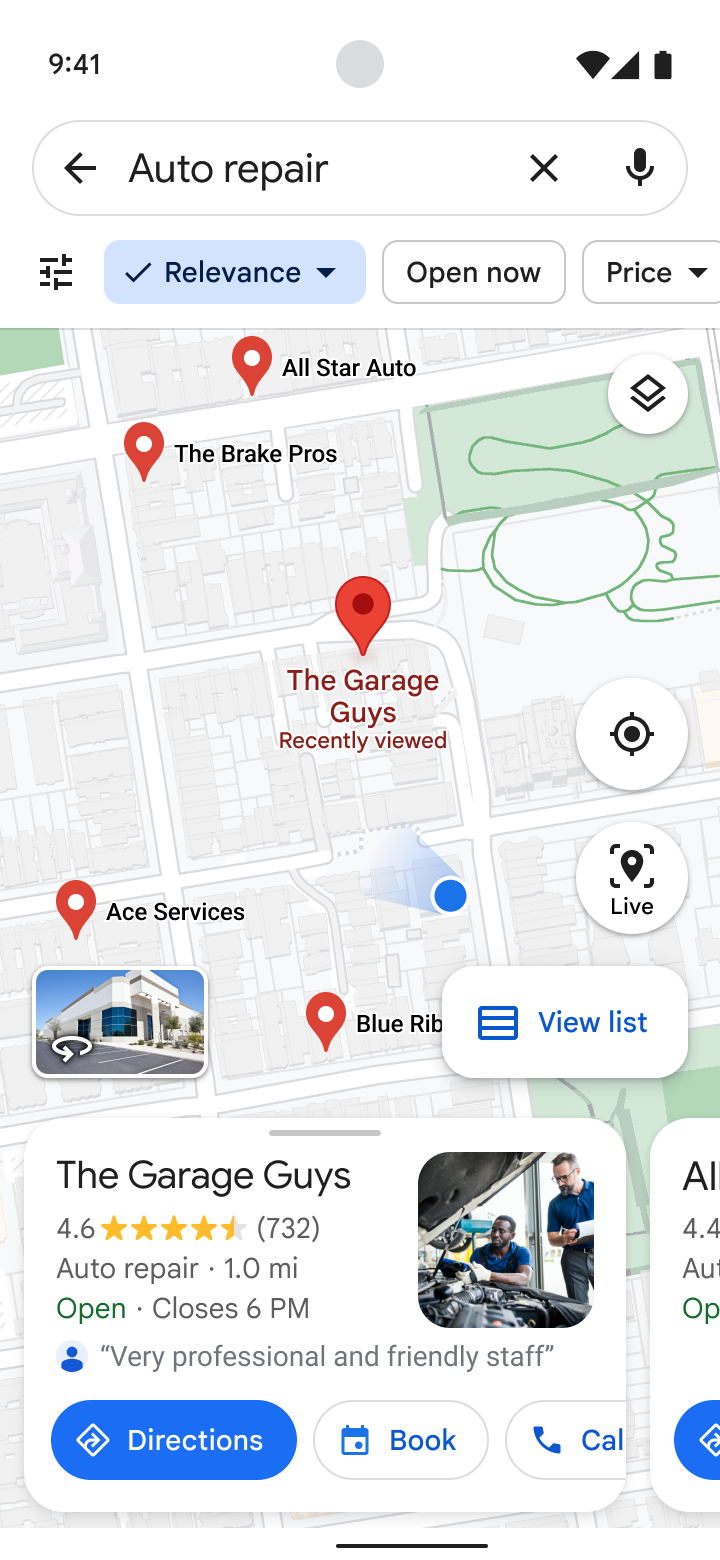
These mocks do not capture the full range of how a business and its booking entrypoint may appear across all Google Search and Maps presentations.
The Reserve with Google integration makes it easy for your customers to book appointments with you through Google Search and Maps. Customers already searching for your business, or services your business provides, will find your business and be redirected to your scheduling site to book an appointment.
With our integration, we can activate the experience for you from your SureCritic dashboard. All you need is a Business Profile on Google with a name and address that match your SureCritic account name. If your Business Profile is not set up yet, you can sign up for one at no cost. SureCritic will pass through your latest information, including the services you offer, and automatically enable booking functionality on Google.
Once a customer clicks a booking entrypoint associated with your business, the customer will be redirected to your SureCritic scheduling site. From there, they complete the booking as they normally would, choosing a service, entering vehicle details, answering your service-specific intake questions, and picking from your real available times.
A Business Profile on Google is a way for a business to show up on Google Search and Maps and interact with customers online. The Reserve with Google integration is an add-on feature that links up to your Business Profile and allows customers to be redirected to your website by clicking a blue "Book Online" button placed prominently on the profile. These products work together to help you reach new customers for appointments.
We have integrated with Reserve with Google to help customers find and take action with your business on Google Search and Maps. If you want to opt out of the integration, you can disable it from your SureCritic dashboard, or contact SureCritic Support and we will disable it for you.
Google does not currently charge a fee for this integration. SureCritic does not charge an additional fee for it either. It is included in your existing SureCritic Online Scheduling subscription. There is no commission, no per-booking fee, and no lead fee for appointments that originate from Google Search and Maps. Any amount you are billed is billed by SureCritic for your SureCritic subscription and does not come from Google.
SureCritic Online Scheduling runs standalone, so you do not need any other system to use it. Real-time availability sync is live today with Mitchell1, NAPA TRACS, and TireGuru. More scheduling sync integrations are in progress.
Your SureCritic scheduling site only shows real available times. If a service needs a specific bay or technician, the customer only sees times those resources are open.
Already a SureCritic Online Scheduling customer? Enable the integration from your dashboard in a couple of minutes. New to SureCritic? Book a 20-minute walkthrough.